Hello! I’m bringing you a DIY tutorial to control regenerations in our cars. In the forum where I saw it, it worked for the Civic IX 2.2 and 1.6 i-DTEC, so I suppose it will also work for the X 1.6. It would be nice if those of you with gasoline cars with a particulate filter also tried it, out of curiosity (in a comment below it seems it doesn’t work on gasoline but it’s not fully confirmed).
First, a brief explanation: the DPF (also called FAP or GPF in gasoline cars) is the diesel particulate filter that traps pollutants, located in the exhaust system. To prevent it from becoming saturated, when the car decides, a “regeneration” is performed, where the particles are burned at high temperatures.
The most important thing about this, to take care of the system (and generally the rest of the components), is to know exactly when it is regenerating and when it ends. The worst for the car is if the regenerations are not completed. The DPF will fill up, fuel dilution in the engine oil will increase, and it may cause problems…
I will explain a way that I find comfortable and easy to control these regenerations:
Tools:
-
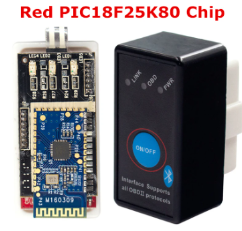
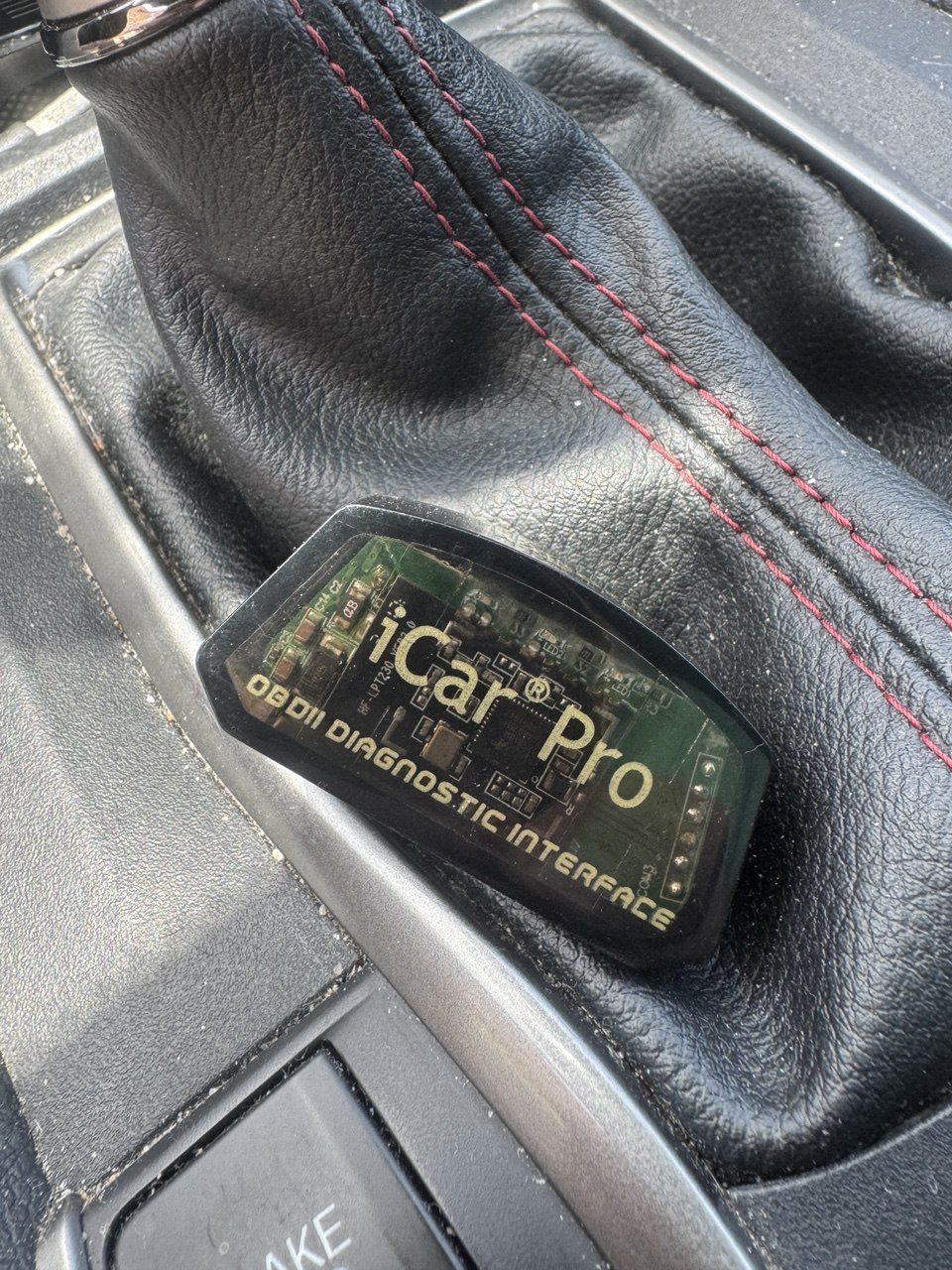
OBD 2. To ensure it works, look for one with a PIC18F25K80 chip (AliExpress for 5-8€), other OBDs may or may not work, if you already have one, try it. In my case, the one I had before didn’t work. I bought this one, I chose the “bt red 25k80” model, which has a switch so I can turn it off easily when I turn off the car, so it doesn’t drain the car’s battery. Super MINI ELM327 V1.5 con interruptor de alimentación rojo PIC18F25K80 Chip interruptor de alimentación ELM327 OBD2 lector de código de escáner Bluetooth - AliExpress 34
-
App Torque Pro (you can pay for it, it’s cheap) or if you search a bit, you can easily find the latest versions of the APK ready to install on your devices.
-
Download File with PIDS https://www.civinfo.com/attachments/idtec-dpf-csv-txt.324890/ DPF follow-up with Honda HDS software | Page 16 | 2006+ Honda Civic Forum and put it on the:
-
Android Device
 ; from any Android 5.0 onwards, all versions of Torque work. If using the Civic 9’s Android tablet (recommended) with Android 4.0; Torque 1.8.205 is the newest version I could use. On iPhones, I don’t know how it works, but OBDs don’t work via Bluetooth, it would have to be via Wi-Fi.
Steps
-
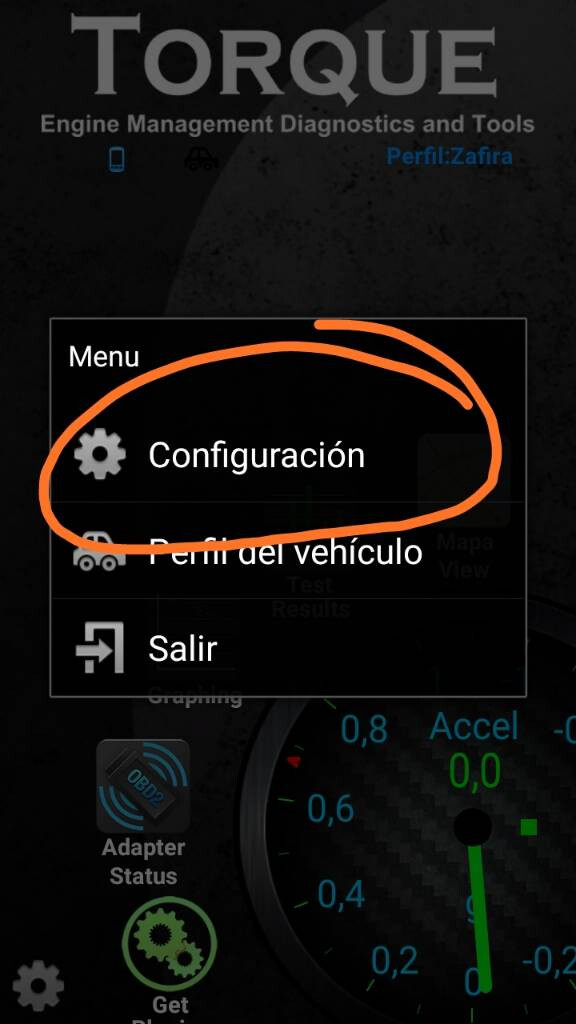
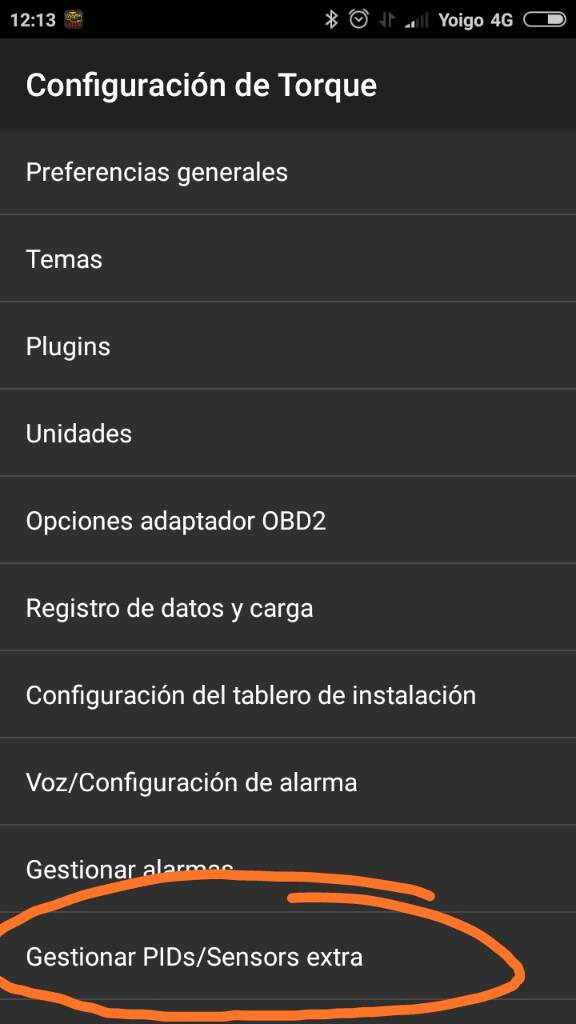
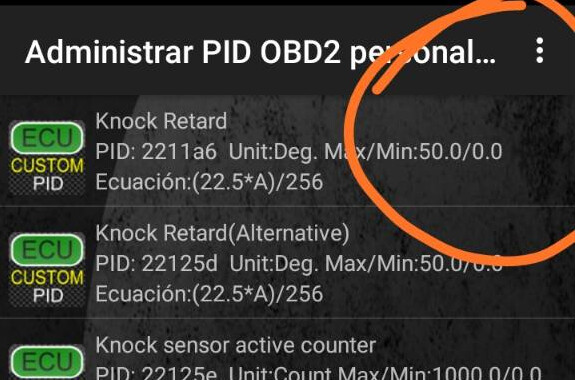
First, install Torque Pro on our device. And to import the pids from the file: go to Settings - Manage PIDs - Import CSV and select the file with the PIDs.
-
Plug the OBD into the car and turn it on. In case you’re lost, it plugs in here https://www.youtube.com/watch?v=20XHWG9R8qc
-
In the phone’s Bluetooth settings, sync the OBD, the password is usually 1234 (if it’s not, the OBD seller will tell you).
-
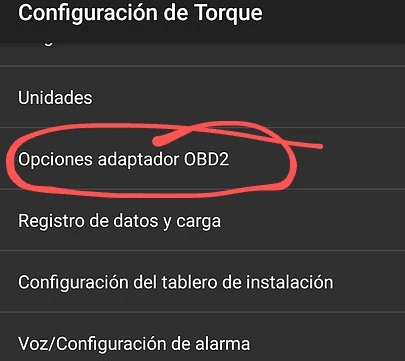
Now, again in Torque, go to Settings - OBD2 Adapter Options - In connection type, select Bluetooth; and in choose the BL device, the synced ones will load, select the OBD.
-
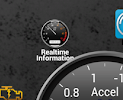
Enter Realtime information, the panel where Torque’s gauges appear.
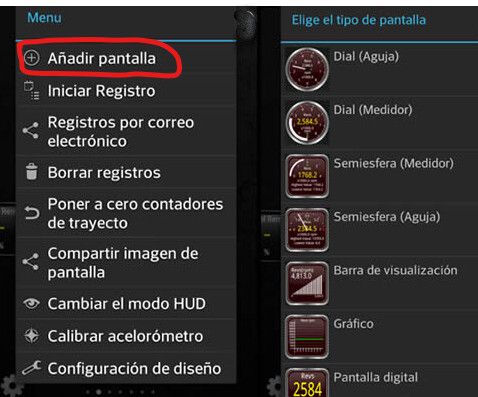
We will add the screens in Torque of the imported PIDS we want: hold down an empty spot - Add screen - choose the type we like best (I use Digital Screen, if with background Graph) And add iDtec… Of those available, the ones I consider most important:
- The “PM value” (iDtec calculated PM value), the main one that will help us. It indicates the amount of particles (in grams) accumulated/retained in the fap. When it reaches a certain amount (6-12 G depending on use, car… in mine it’s at 10.2) is when regeneration is activated, the temperature rises (seen with the iDtec EGT sensor) and the PM will decrease to 0.0 if everything is fine.
- The active regeneration (iDtec DPF active regeneration), you could say it’s the state of regeneration; in mine, it goes to ‘79’ or ‘14’ (each one will have to confirm it in their car) while regenerating. At ‘0’ when it’s ready by temperature for regeneration or when it’s finished and at ‘129’ when the car is cold and won’t be able to regenerate yet.
- There are values for the distance and time since the last complete and correct regeneration (when the PM reaches 0.0), normally it regenerates every 500-700kms. In the Civic X, I understand that regeneration is more frequent to “pollute even less”.
- You also have the differential pressure (iDTEC DPF differential pressure, “DPF diff.pres”), it indicates the pressure difference between the DPF’s inlet and outlet; higher differential pressure means the filter is fuller, accelerating more also increases it. It’s a pid that can be important, but having the rest I don’t use it.
A couple of examples of how I have it: This, for example, was the first time I caught it regenerating, it shows 1144 kms since the last regeneration because the previous one was left halfway
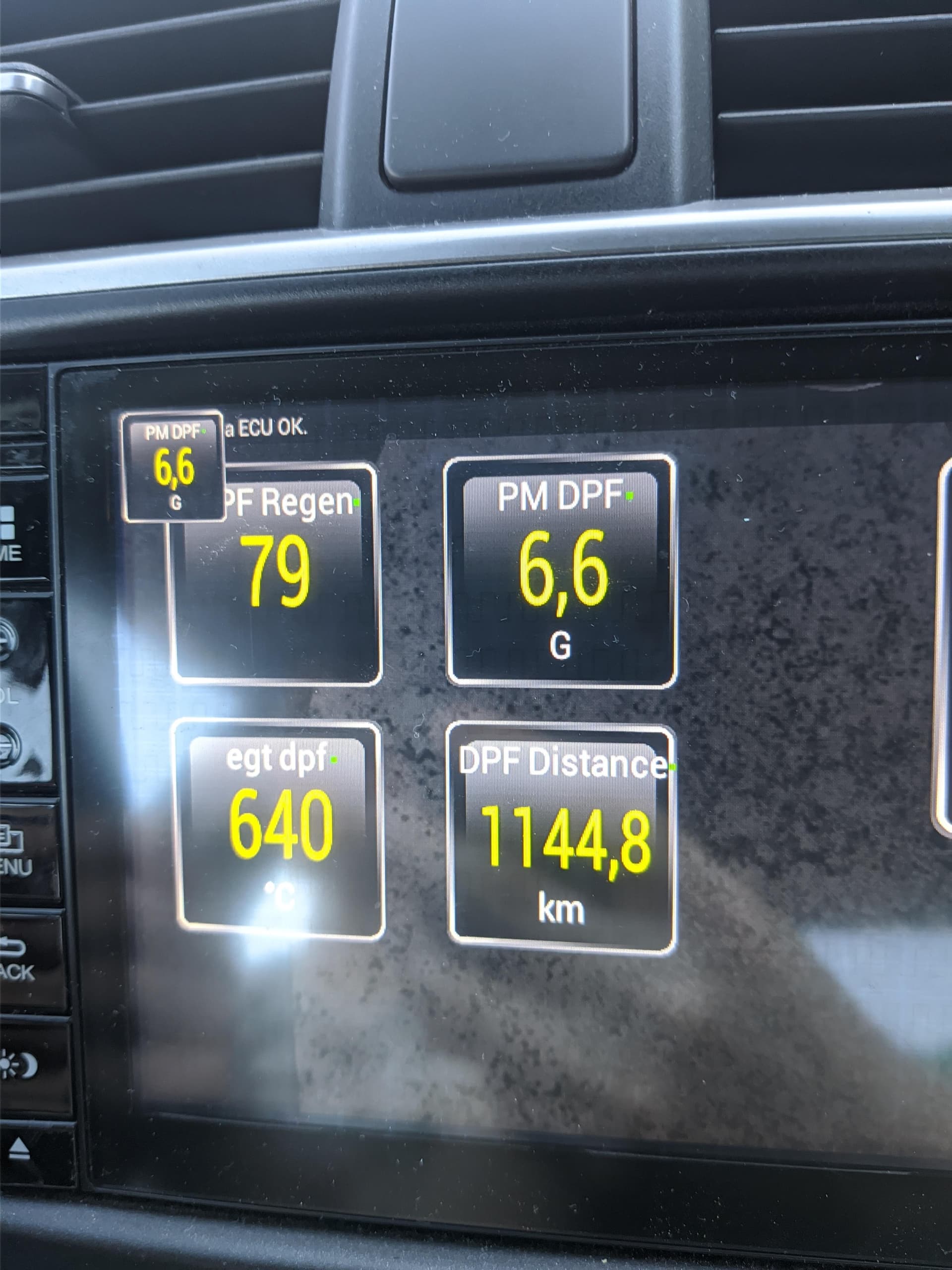
This is just after regenerating (the distance resets, the state goes to 0’ and the temperature drops)
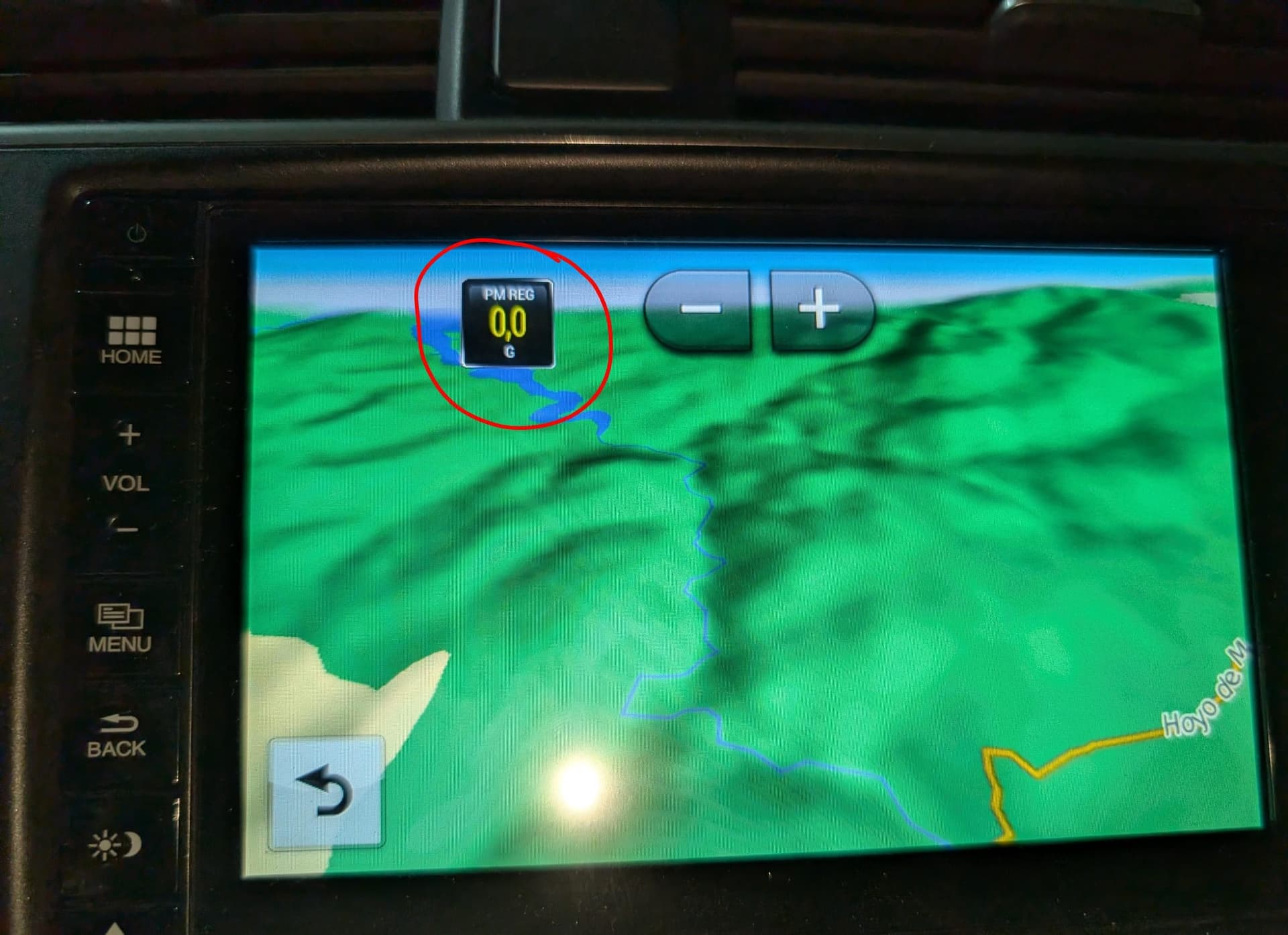
Extras * To continue using the device where we have Torque (car tablet, mobile…) I only carry the amount of soot/PM as a Floating Widget. To do this, with Torque, we hold down on the desired gauge (PM in my case) and from the options menu, select “Make Floating Widget”. A clock with the PM gauge is generated that stays on the screen, we can go to other applications to continue using the device and it will remain on top. If we hold down on it, we can move it around the screen to where it’s most convenient.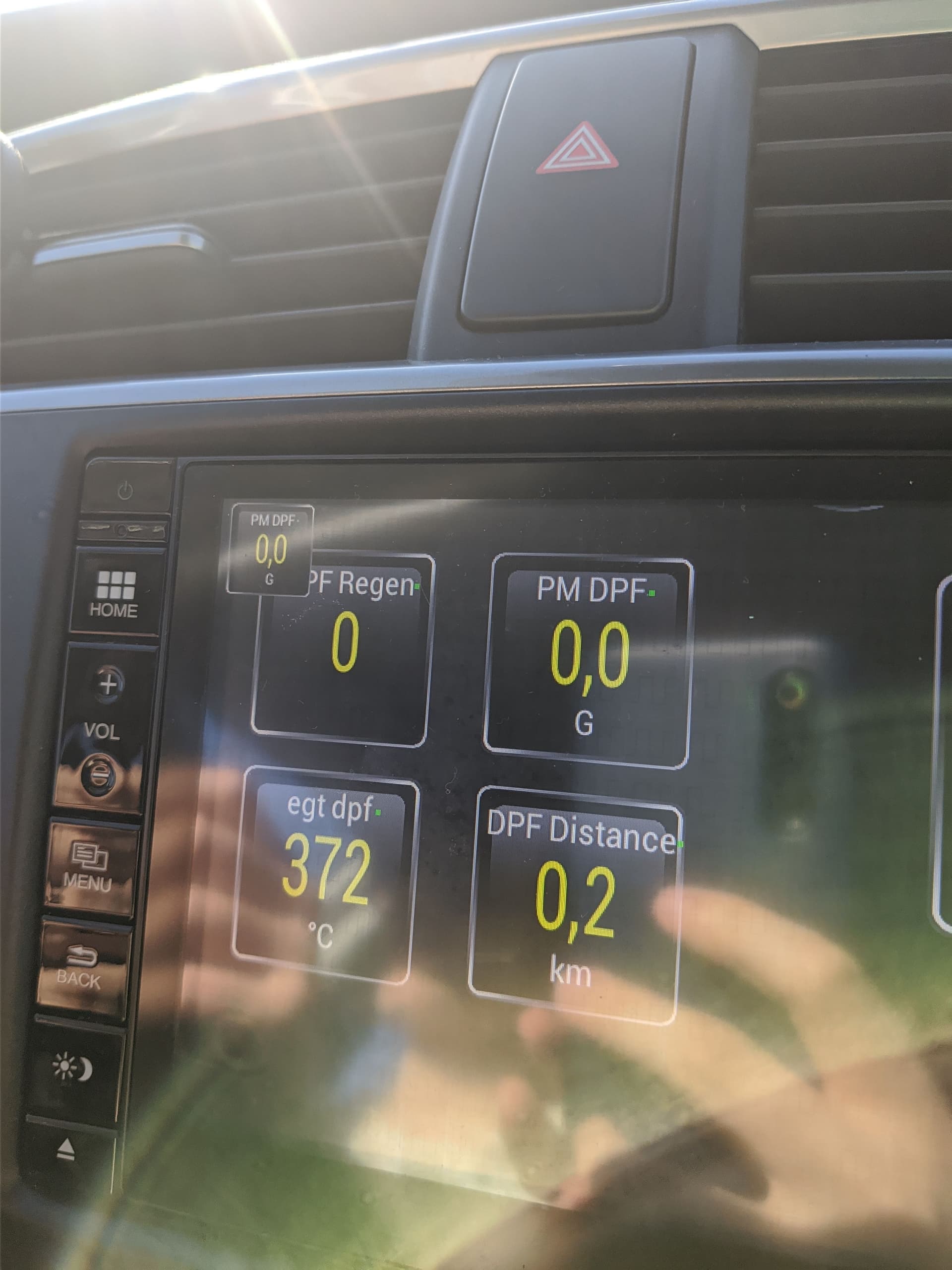
[[ Under Construction ]] * PID * Honda Tablet: On the car’s tablet, you can install it and control everything without needing to use the mobile. Simply install a compatible version of Torque, if it’s older the pids can’t be imported by file and will have to be imported by entering the parameters manually, but the steps are almost the same. On the Civic X tablet, due to the Android version, a version can be installed that doesn’t have this problem, the Civic IX tablet is older and is where the Pids issue occurs.
Credits: DPF follow-up with Honda HDS software | Page 16 | 2006+ Honda Civic Forum
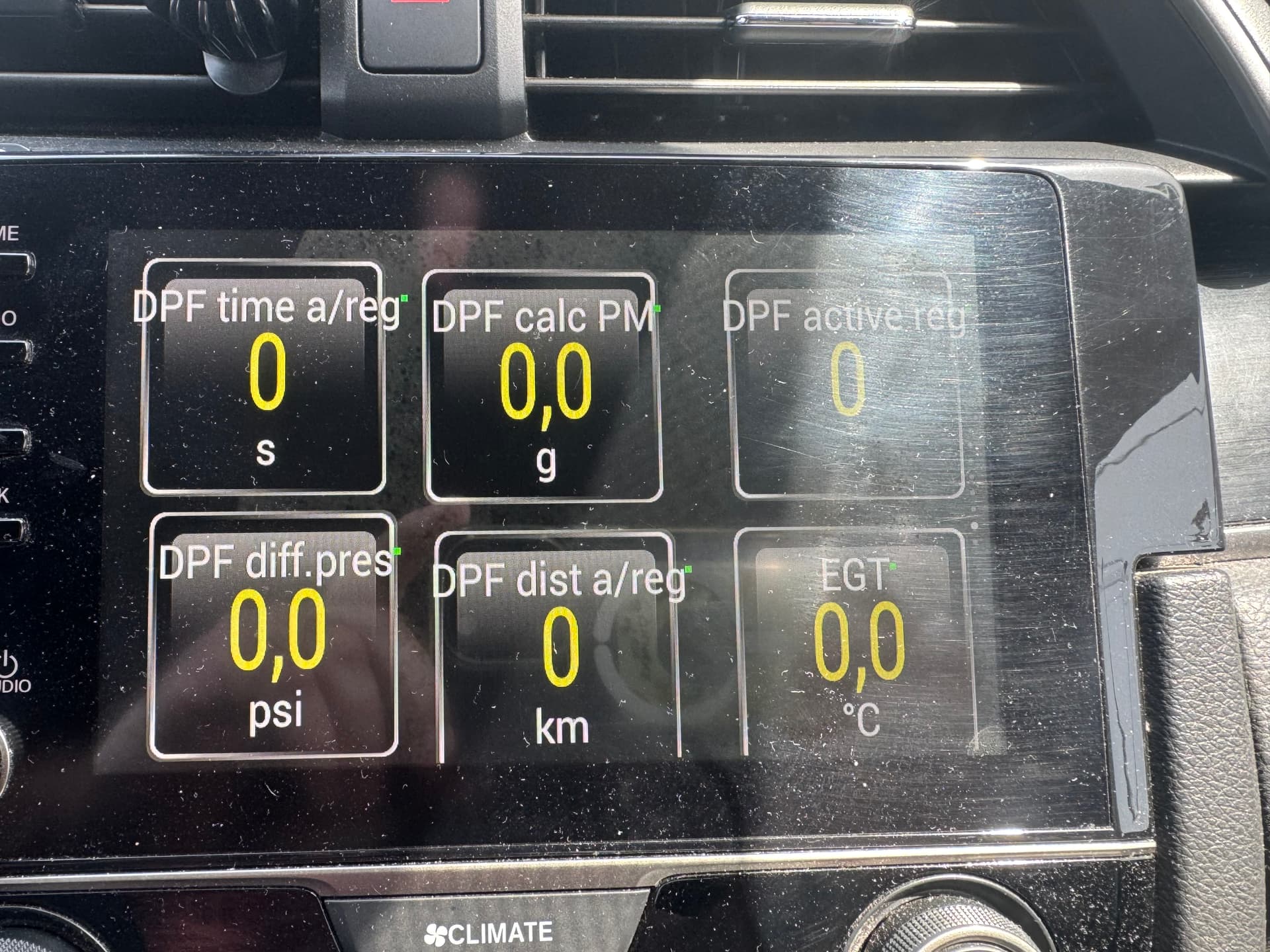
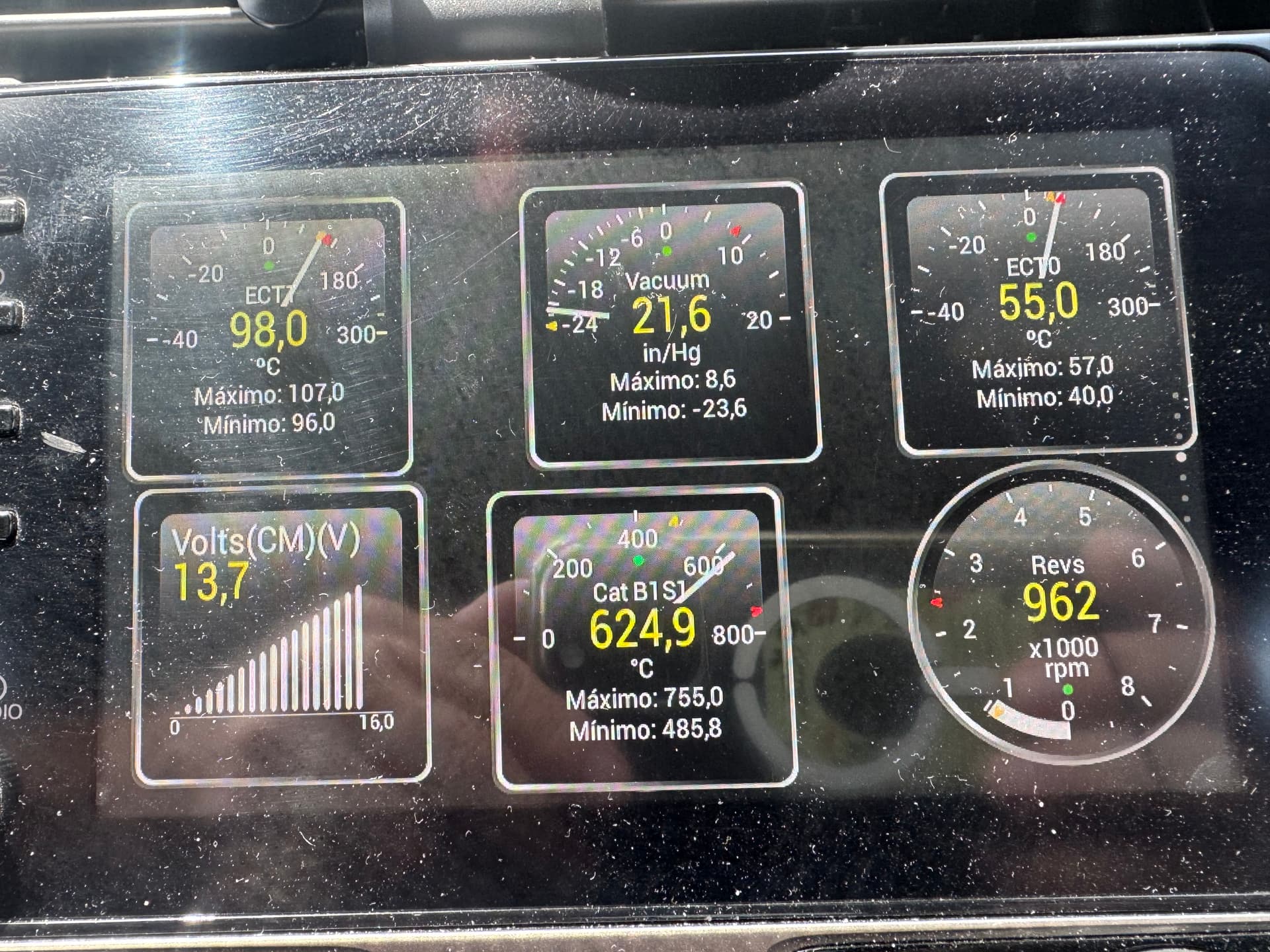
 I guess it’s because I try to rev it enough when it’s hot so it doesn’t get clogged with soot, or at least that’s what I hope
 and the times the fan has stayed on have been after pushing it hard, but normally I let it cool down a bit at idle, so that’s another way of not noticing it
 I’ll investigate at some point to see!